In today’s digital world, a website is not just your online presence. Infact rather it is your store, your marketing platform, your communication channel, and yes, more importantly, a big and main source of income. Because of this, losing website data can be devastating for any business. This is where professional website backup management plays a critical role. Many businesses underestimate the importance of data backup until something goes wrong with their website, and there is nothing they can do anything now.
Website backups are just like insurance, but a digital one. They help you create secure copies of your website’s files, its content, and the databases. They further help to recover data quickly if anything breaks, or in some case your data drive or website gets hacked.
Whether it’s a cyberattack, a naive human error, or some sort of hosting failure on your website, having proper website backups is essential. The backup can be useful if there is a minor inconvenience, and helps you to save your business from a complete shutdown.
What Is Website Backup and Why Is It Crucial?
Many people ask, What is website backup, and why is it crucial for businesses. A website backup is basically a stored copy of your entire website that usually includes code files, media and gallery items, and databases. These backups particularly help to restore your website to its completely working previous version.
It important step as websites are constantly exposed to security risks. These risks include hacking, malware, software conflicts, or accidental deletion of data. Without a backup, recovering lost data can be costly as well as time-consuming. Sometimes data recovery becomes impossible.
Why Data Backup Is Important for Businesses
Understanding why data backup is important helps businesses to take proactive action rather than reacting. As we all know, data is one of the most valuable assets of a business or a company. Customer records, product details, orders, and content all live on your website.
If this data is lost, businesses may face:
- Revenue loss
- Legal issues
- Damage to brand trust
- Long downtime
The importance of backing up data cannot be overstated in a time where cyber threats are increasing every year.
Key Ways Website Backups Protect Your Business
Disaster Recovery and Business Continuity
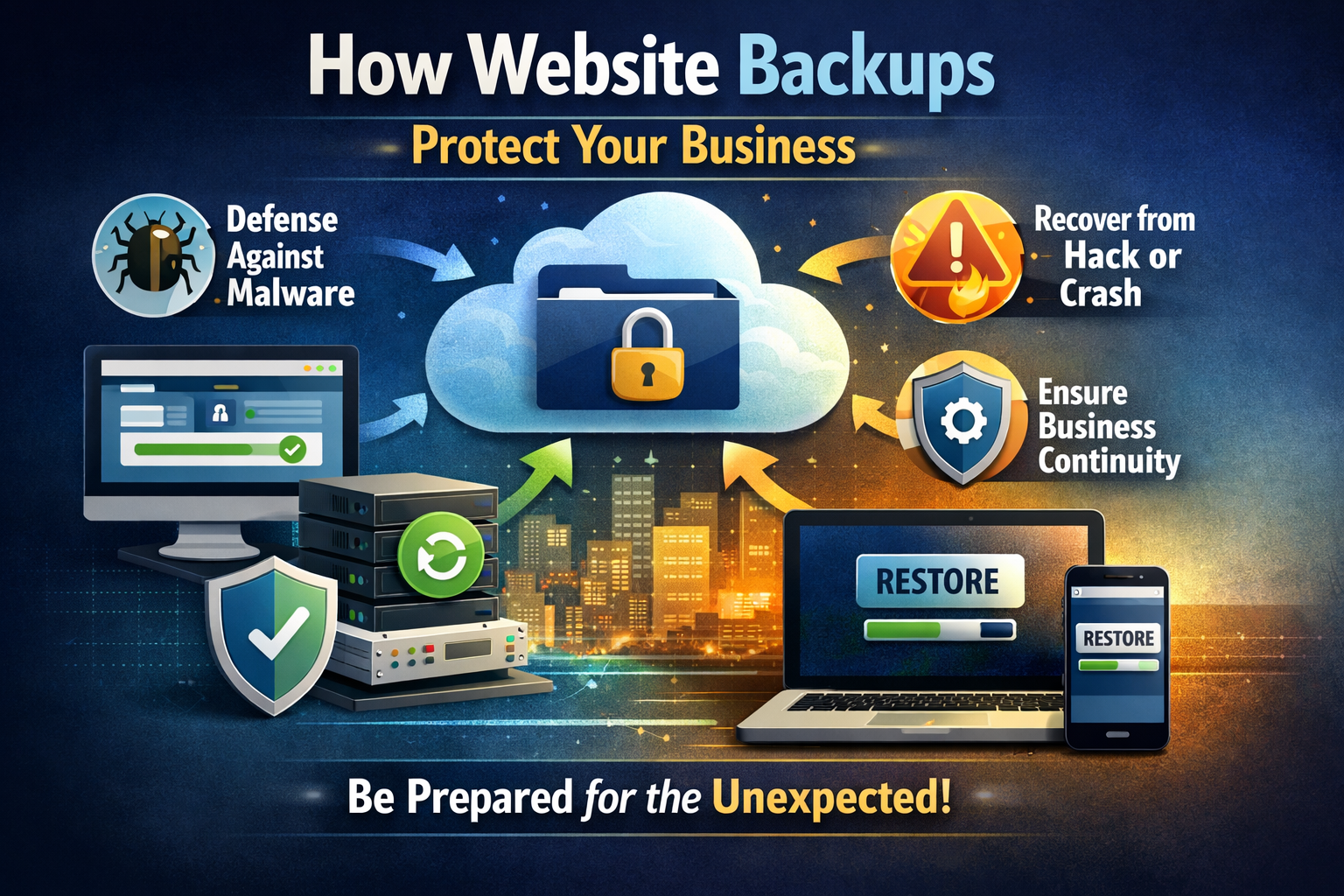
An important advantage of keeping a website backup is disaster recovery. If by any means your website is hit by malware, ransomware, or even a server crash, backups become a lifesaver. The backups help you in an instant restoration. This step ensures business continuity and keeps the website downtime to a minimum duration instead.
Without backups, your business may stay offline for a long time, such as a few days or even weeks. This tend your business to lose customers as well as sales.
Protection Against Human Error
No matter how experienced your team overall is, mistakes can happen anytime or by anyone. Someone from the team may accidentally delete an important page of the website or overwrite some critical data. This is where backing up a website becomes extremely valuable.
You don’t need to rebuild everything once again. Rather, just restore your website to its previous version within a few minutes using the website backup.
Cybersecurity Shield Against Hacks
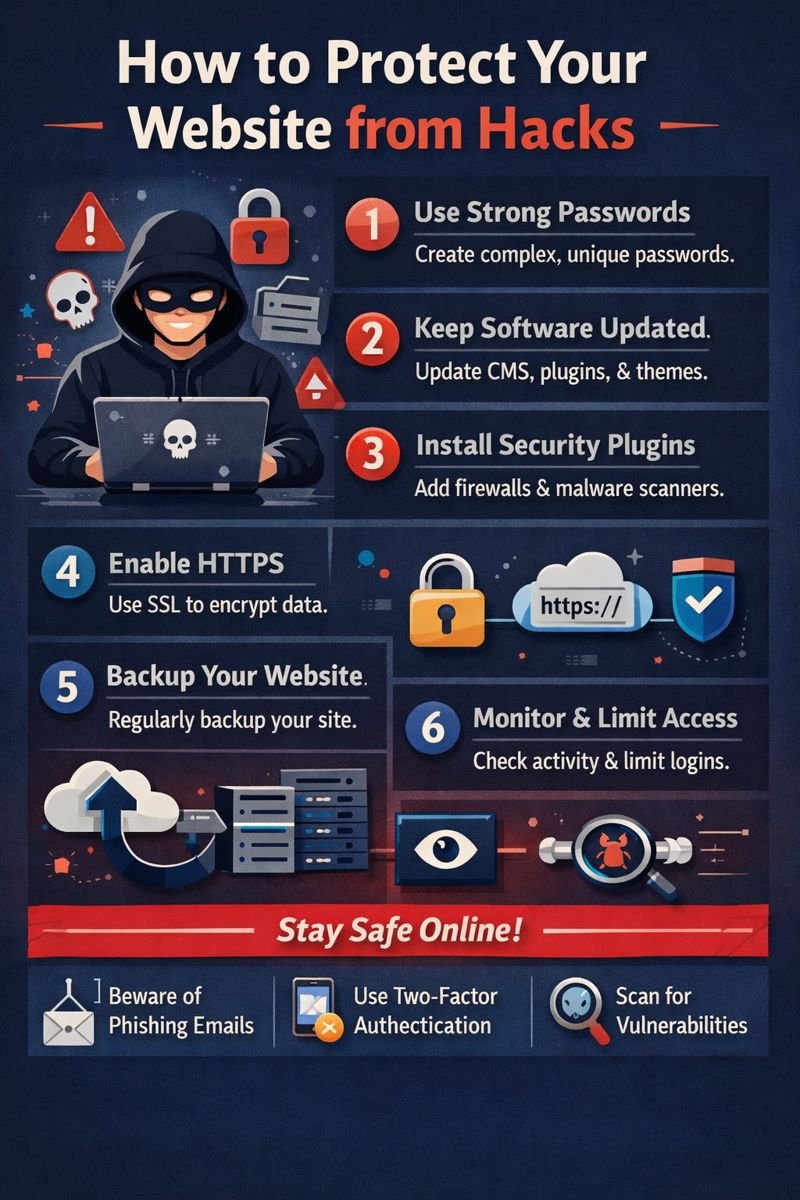
Cyberattacks have become a big threat nowadays. Even websites with strong security can are at a big risk because they also may be compromised. With website backups, you can recover from attacks by restoring a version of your website that was before the security breach.
They help to prevent any essential data leaks and protect sensitive customer information. This is essential in reinforcing the importance of data backup for security.
Safety Net During Updates
You would be surprised to know that using themes, plugins, or software updates can also occasionally break the website. This is a common issue in content operation systems similar to WordPress. In this case, a proper website backup allows you to roll back immediately if something goes wrong.
This updated safety net gives businesses confidence to improve their websites without fear.
Hosting Failure Protection
Sometimes the issue isn’t your website but your hosting provider. Server crashes, technical failures, or account suspensions can happen. With secure hosting backup stored off-site, you can move your website to another host quickly.
This is especially important when backups are connected with cloud data storage for business, which keeps data safe even if your hosting fails.
Data Integrity and Customer Trust
Your website stores valuable data such as user accounts, transaction history, and contact forms. Losing this data damages customer trust. Website backups protect this information and further ensure that it is never lost permanently.
Customers usually like those business websites that keep their data safe and protected.
How to Back Up a Website Properly
Many business owners are in confusion and often ask, how to back up a website or how do you back up a website. The answer is basically that the process depends on your platform and hosting provider, but the core idea remains the same: that is, “create copies of all the essential data of your business”.
Common Ways to Back Up a Website
- Hosting provider backup tools
- CMS plugins
- Manual FTP and database backups
- Cloud-based backup services
Services like backup website GoDaddy or backup Squarespace website offer built-in backup solutions for their users.
Automated vs Manual Backups
Manual backups mean you have to create a backup yourself. They require human effort but are often forgotten. Automated backups, on the other hand, run on a schedule. It’s an easier method as it ensures your site is always protected.
For businesses, automated website backup solutions are highly recommended because they reduce risk and save time.
Importance of Off-Site Storage
Storing the backup of the website on the same server where it is hosted is risky. By any accident, if the server crashes, both your website and the backups can be lost. This is why off-site storage matters, and you should prefer it as well.
Using cloud data storage for business ensures backups remain safe and accessible from anywhere.
Keeping Multiple Backup Versions
Maintaining a single backup of the data is not enough. If the issue goes unnoticed for weeks, restoring a single backup may not only help to solve such a problem.
Best practice includes:
- Daily database backups
- Weekly full backups
- Monthly archives
This layered approach highlights the importance of data backup in multiple places as they help for long-term protection.
Backup Testing: A Step Many Forget
Many businesses create backups, but they usually never test them. A backup that cannot be restored becomes useless and meaningless, too. So, regular testing of the backup is very important. It helps to ensure your backup website system actually works during any emergency.
Testing, hence, should be done periodically to avoid any surprises during critical situations.
Website Backup and SEO Impact
Downtime negatively affects SEO rankings. If your site is offline for long periods, search engines may lower your visibility. With fast restoration using website backups, downtime is minimized, protecting your SEO performance and traffic.
FAQs
Why is website backup important for small businesses?
Website backups protect small businesses from data loss, downtime, and financial damage caused by hacks or errors.
How often should I back up my website?
Ideally, websites should be backed up daily, with full backups performed weekly.
Can I back up a website without technical knowledge?
Yes, many hosting providers and plugins make it easy to back up a website automatically
Is cloud storage safe for website backups?
Yes, cloud data storage for business offers high security and off-site protection.
What happens if I don’t back up my website?
Without backups, data loss can be permanent, leading to lost revenue and damaged trust.
Conclusion
In a digital-first world, website backup is no longer voluntary — it is essential. From cyberattacks and human miscalculations to hosting failures and update issues, threats are far and wide. The significance of data backup lies in its capability to protect businesses from these threats while assuring continuity and client trust.
Regular website backups, stored securely and tested constantly, act as a safety net for your entire online operation. Businesses that understand why data backup is important are more set, more flexible, and more trusted by clients. Investing in proper backup strategies today can save thousands of dollars and countless headaches hereafter.