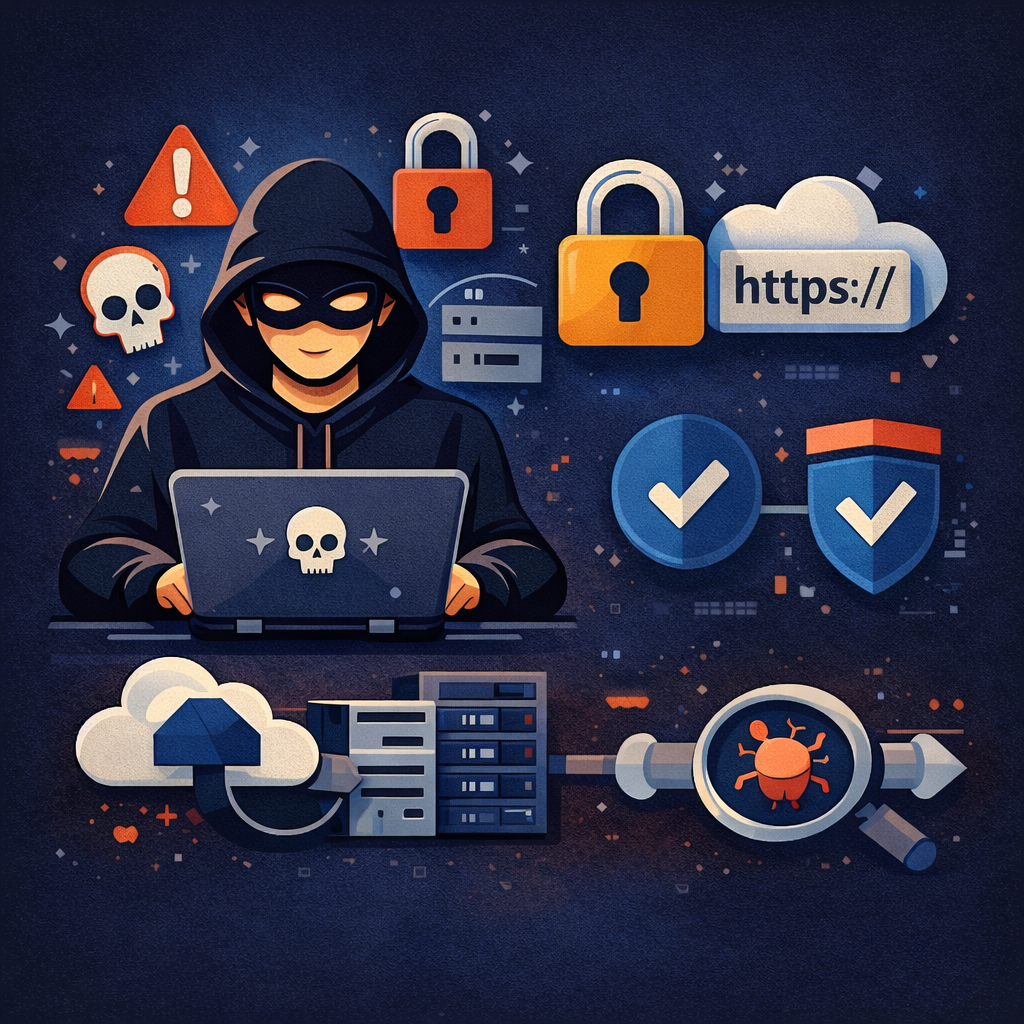
In today’s online world, having a website is essential for almost every business. But along with opportunity comes risk. Hacking of websites cases are increasing rapidly, and unfortunately, many website owners only take security seriously after something goes wrong. Whether you run a small blog or a business website, hackers don’t really care about size. Automated bots constantly scan the internet looking for weak spots, and once they find one, the damage can happen very fast.
A hacked website doesn’t just affect you. It also affects visitors. You must be wondering how. Well, the visitors of your website can be redirected to such websites that contain viruses, where their data can be stolen. What happens next: Your brand reputation can take a serious hit. That’s why you must understand website security to take precautions.
What Hacking Actually Means
Before you learn how to secure your website, you first need to understand the meaning of hacking. Hacking simply means someone accesses your website without authorization. This access might be used for wrong purposes, such as fitting vicious code into your website or stealing the user’s information. The hackers might indeed acquire full control of your website or change your website’s content.
Sometimes the signs are obvious, like a defective homepage. Other times, the attack stays hidden, which might be silently damaging your SEO without being noticed. It can further turn your website into one of the websites that hackers use to spread malware.
Why Website Security Should Be a Priority
Numerous business owners believe hackers only target big brands. In reality, lower websites are frequently the easier targets for hackers because they lack proper security measures. Indeed, a single, minor vulnerability is enough to compromise your entire website.
A hacked site can lead to:
- Loss of customer trust
- Google ranking drops
- Downtime and lost sales
- Legal issues if customer data is leaked
Once your site is marked unsafe, recovering your reputation becomes very difficult.
Keep Your Website Software Updated
A very common reason behind the hacking of website issues appears to be the usage of outdated software. Hence, different software and packages must be properly updated, such as content management systems, plugins, and themes. In this way, you may fix any security holes. When updates are ignored, hackers easily get to know the weaknesses in your website.
If you are using WordPress, this is especially important. You should do proper updates. Hence, keeping everything streamlined is one of the most effective ways to guard your website from hacks. Also, remove anything spare, such as plugins or themes that are no longer being used on the website. Also, you should get relieve of any unused software that you might suppose can still be exploited.
Strong Passwords and Login Protection
Another thing that make haking an easier task is using weak passwords. There are various software and automated tools available that try thousands of password combinations in seconds. Hackers make use of them. Simple passwords or reused credentials put your website at serious risk. Hence, websites usually recommend that their users use strong passwords.
Using long, complicated passwords and enabling two- factor authentication are two significant ways to increase security against hackers. In point of fact, if someone discovers your password, they won’t be able to log in without going through another verification process.
Secure Your Website with SSL
An SSL certification encrypts data passed between your website and its visitors. Without a proper SSL certification, sensitive information such as login details or payment data may be exploited.
Websites without HTTPS are likely to be flagged as unsafe by web surfers. This can scarify implicit website visitors. It can also make your website look like one of those websites that contain viruses; indeed, if it’s not consciously dangerous.
Regular Website Backups Matter
No security system is perfect. Hence, backups are extremely important. If your website gets hacked or may get any security breach, backups allow you to restore everything quickly without starting from zero.
Backups protect you from:
- Malware attacks
- Human errors
- Hosting failures
- Failed updates
Multiple website owners realize the significance of backups only after a hacking incident causes endless data loss.
Use a Web Application Firewall
A Web Application Firewall( WAF) blocks any vicious or unwanted traffic before it actually reaches your website. It helps you secure the website against common security attacks like SQL injection and cross-site scripting.
Numerous sites hackers target could have avoided damage by simply having a firewall in place. A WAF acts like a security guard that works 24/7, filtering bad traffic automatically.
Limit Admin Access
Not everyone needs full control of your website. Still, it can significantly increase the security threat if you give admin access to multiple users. However, the entire website becomes vulnerable to hacking risks if one account gets compromised.
Hence, you may grant proper user tasks and remove any accounts that are no longer wanted. Changing default admin usernames also helps prevent automated login attacks.
Educate Your Team
Technology alone can’t stop every attack on security. Human error is still one of the biggest causes of protection breaches. Your team members, as workers, may click on phishing emails or use weak passwords without realizing the threat that similar miscalculations may create.
Hence, it signifies the importance of team education and basic cybersecurity awareness, which can significantly strengthen security from hackers. This helps to prevent many avoidable security incidents.
Choose a Secure Hosting Provider
Your website hosting provider also plays a vital part in assuring website security. A trustworthy host offers several security features that include malware scanning, firewalls, DDoS protection, and automatic backups.
Cheap or low-quality hosting often lacks proper protection. In addition to this, cheap hosting can make your website an easy target for hacking and website attacks.
Monitor Your Website Activity
Many hacked websites stay infected for weeks, and owners may not even notice it. To detect any problem early, the website logins must be monitored, and traffic patterns and file updates must be properly monitored. Early detection prevents your website from becoming part of the sites hackers use to spread malware or spam.
Secure File Uploads
A major security concern arises in case your website allows file uploads. Hackers may upload malicious files that actually contain hacking source code, which is disguised as images or documents.
Hence, you must put restrictions on the file types that can be uploaded, and these files must also be scanned. Furthermore, the uploaded files must also be stored securely to avoid turning your website into one of the websites that contain viruses.
Regular Security Checks
Running proper security scans and audits helps you to identify weaknesses in your websites. You must find these before attackers can exploit them. Such checks are particularly important for those websites that store and handle customers’ data.
These measures come under preventive testing, which strengthens long-term security from hackers. It further helps to reduce the chances of serious damage.
Understanding Website Hijacking (For Awareness)
Some people often search terms like “how to hijack a website” based on their curiosity or concern to just know what it is. Here: let’s learn what it actually means. Website hijacking means an unauthorized person takes control of a website. After this, they redirect website traffic or steal important information.
Knowing how hijacking happens helps you prevent it through secure passwords, updates, backups, and monitoring—never through unsafe practices.
FAQs
How do hackers usually attack websites?
Most security attacks on websites happen through the usage of outdated software, weak passwords, insecure hosting, or vulnerable plugins.
Can a small website really get hacked?
Yes, small websites are often targeted because they usually lack strong security measures
How to protect a WordPress website from hackers properly?
Keeping WordPress updated, using strong passwords, and using security plugins, backups, and secure hosting make a big difference.
What should I do if my website is hacked?
First, take your website down and make it offline. Then restore it from backup and remove any malware you identify. After that, you must change all passwords and implement more enhanced security mechanisms.
Is website security a one-time thing?
No, website security is not just a one-time thing. It actually needs regular updates and continuous monitoring. Moreover, maintenance is required to ensure your website stays effective.
Conclusion
Website security is a very important aspect to protect your digital presence. It must never be ignored. With the increasing cases of hacking of websites, it is the responsibility of every website owner to take it very seriously. It includes regular software updates like plugins, strong authentication mechanisms, backups, and proper monitoring of the website. Each of these steps ensures security from hackers.
Investing in website security must be considered seriously. It helps to ensure that your brand maintains its name and is trusted by clients.