
TLDR
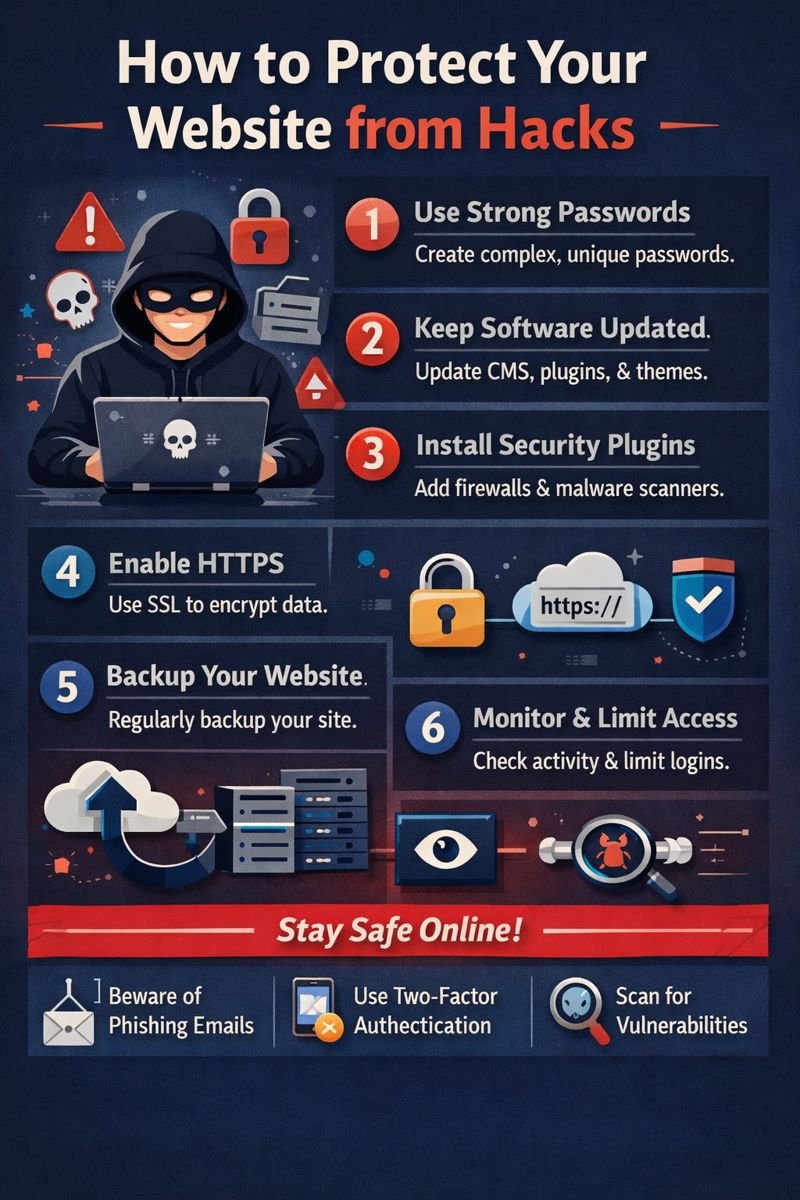
- Security is layered defense: updates, strong passwords/2FA, HTTPS, a WAF, and monitoring — no single fix is enough.
- Know the common attack types (SQL injection, XSS, DNS hijacking, malware, insecure uploads) and their specific defenses.
- Backups, admin access restriction, and secure hosting are foundational, not optional extras.
- Have a written incident-response plan ready before a breach happens, not after.
Protecting your website from hacks is a constant process of remediation. It encompasses limiting access to your site, shielding your site from attacks, removing vulnerabilities, and preparing your site for attack recovery.
Hardened website protection incorporates multiple facets providing defence in depth, including software, authentication and secure hosting, the HTTPS protocol, backups, a web application firewall, and monitoring, and security tests on a regular basis. No single element can protect the entirety of a website, but a combination of multiple aspects of protection makes it difficult for an attack to be successful against a website, and limits the impact of a compromised account or even a compromised website plugin.
Stay Up to Date
The most prevalent method used for gaining access to a website is through the use of old software. Updates typically address security concerns and issues with:
- Content management systems, such as WordPress, Joomla, and Drupal
- Plugins, themes, and extensions
- Server software and databases
- Shopping carts and payment integrations
- Scanners and other security software
Set Strong Passphrases and Utilize Two-Factor Authentication
If you use the same password across multiple sites, and especially if you have a weak password, you allow an attacker to gain access without even engaging in a website attack.
Here are important accounts that require their own unique password:
- Website administrator account
- Hosting and server accounts
- Domain registrar accounts
- Database users
- Email accounts connected to the website
- Google Analytics, Google Tag Manager and advertising accounts
Enable two-factor authentication when possible. Authenticator apps or security keys should be used over SMS.
Avoid sharing an administrator login among your team members. Each member should be assigned their own account with the least amount of permissions granted. This helps with controlling who accesses the site and keeps a record of who the administrators are.
Configure HTTPS With a Working SSL Certificate
HTTPS helps protect the browser’s communication with a website. Unencrypted data can include logins, contact forms and other information that can be dangerous if it gets intercepted.
Make sure the following is correct:
- All important site pages are loaded with HTTPS
- HTTP traffic is redirected to HTTPS
- Certificate is valid and auto renews
- All mixed content warnings have been addressed
- Secure and HttpOnly cookies are appropriate
- Your hosting services take care of the TLS and server settings
Using HTTPS will not solve everything. It should not be used as the only form of security. For more information on this in the context of a larger security system, read about website security and SSL.
HTTPS is also important when setting up an e-commerce site. PCI DSS standards help to establish protection for payment account data.
Use a Web Application Firewall
A web application firewall (WAF) filters potentially dangerous traffic before it can reach an application or website.
Examples of what a WAF can identify and block include:
- Automated login attempts
- Scans and attacks by malicious bots
- Attempted SQL injections
- Cross-site scripting attacks (XSS)
- Requests to upload suspicious files
- Traffic from known malicious IP addresses
- Request patterns that may signal a Denial of Service (DoS) attack
Depending on your configuration, you may use a WAF integrated with your hosting service, a service like Cloudflare, or a website security add-on such as Wordfence or Sucuri. A WAF is helpful, but it should not be used as a substitute for addressing software vulnerabilities and should be used in combination with other security measures.
Learn About Common Website Attacks
Understanding how a common attack works helps with recommendations on how to secure your website.
SQL Injection
SQL injection attacks occur when attackers input malicious database commands to a web application. If an application does not perform proper input validation, an attacker may access, modify, or completely delete information in a database. An example of a dangerously designed login form could allow an attacker to alter the credentials verification query.
To prevent this, developers should use parameterized queries, utilize safe database APIs, validate input on the server, and avoid concatenating SQL command strings together with user inputs.
Cross-Site Scripting (XSS)
XSS attacks occur when an attacker influences a website to push malicious JavaScript to other users of the website. This can occur through comment fields, search fields, user profiles, compromised posts, or other website content.
XSS can be used to steal session data, alter page content, or even get users to interact with malicious pages. Protections are usually implemented on the server via input validation, encoding, secure cookie settings, context-appropriate output encoding, and a proper Content Security Policy.
DNS Spoofing and Domain Hijacking
Attacks like DNS spoofing and domain hijacking allow an attacker to redirect users to the wrong servers or take control of the domain and its account, respectively.
To protect the domain, you can:
- Use a unique registrar password
- Enable multi-factor authentication
- Lock the domain
- Restrict DNS management
- Enable notifications for unexpected changes to DNS and nameservers
- Maintain the registrar’s recovery details
Even with a secure website, the domain account also needs to be secure.
Malware and Backdoors
Attacks like malware can compromise a secure system by introducing code injection, visitor redirects, hidden admin accounts, and backdoor access. Attackers hide their malicious code in various directories (uploads, themes, plugins, etc.).
A combination of several indicators can alert you to a breach. These may include a drop in traffic, sudden redirects, unknown admin accounts, new hidden files, and even warnings from browsers or search engines.
An incident should not be considered resolved until the entry points have been detected, logs have been reviewed, and scans have been performed on the entire system. A clean backup should be used to restore the system.
Insecure File Uploads
Attacks against file uploads are common because upload features often allow executable files to be disguised as images or documents.
File-upload features should always be treated with suspicion.
Minimize the risk by:
- Limiting the types of files the website accepts
- Validating file extensions and MIME types on the server
- Renaming uploaded files
- Setting a limit on file size
- Storing uploads outside of the web root, where possible
- Disabling the execution of scripts in upload directories
- Scanning files prior to making them available
- Restricting file uploads and access
Do not solely trust file extensions. Users can rename files to evade a basic filter by using an image extension on an uploaded script.
Restrict Administrator Access
High-level control access should also be restricted.
The following controls are recommended:
- Give users the minimum control needed
- Delete unused accounts
- Apply 2FA to administrator accounts
- Limit control access by IP or VPN, where possible
- Change default accounts
- Disable public account registration unless needed
- Limit the number of login attempts, and implement a bot protection system
- Record all login attempts, including failed attempts
- Require re-authentication before accessing sensitive administrative controls
Staff connecting to the website’s administration controls through public networks (cafes, airports, etc.) should only do so through a VPN or trusted connection.
Use Secure Hosting
Website hosting dictates the security of the website’s server, network, and account environment.
Seek a provider that includes:
- Easy updates of servers and platforms
- Separate accounts for clients
- Active malware monitoring and incident response
- Automated backups that are stored safely elsewhere
- DDoS protection and network-level filtering
- Secure, encrypted access to control panels
- Responsive support during a security incident
- Firm policies on restoring a breached website
While cheap hosting is not inherently insecure, you should expect limited customer isolation, delayed updates, possibly outdated infrastructure, and limited support. Ask your provider what they actually back up, how long they keep backups, and whether recovery is included.
Secure Your User Files, Directories, and Server Settings
Mistaken permissions allow an attacker, or a compromised process, to modify files that should be read-only.
In WordPress, the general guideline is to set the correct user for the files and directories, and only make a directory writable if the application genuinely needs write access. WordPress advises that a directory should be made writable only when strictly necessary.
Think about:
- Disabling directory listing
- Removing installation and example configuration files
- Disabling unused services and modules
- Keeping database credentials outside publicly accessible files
- Keeping configuration files outside of browser access
- Avoiding the display of server version information
- Using secure SFTP or SSH instead of insecure FTP
Review permissions after each migration, new plugin installation, and change to the hosting environment.
Changes to a server should be made cautiously, since an incorrect permission or configuration can break a website.
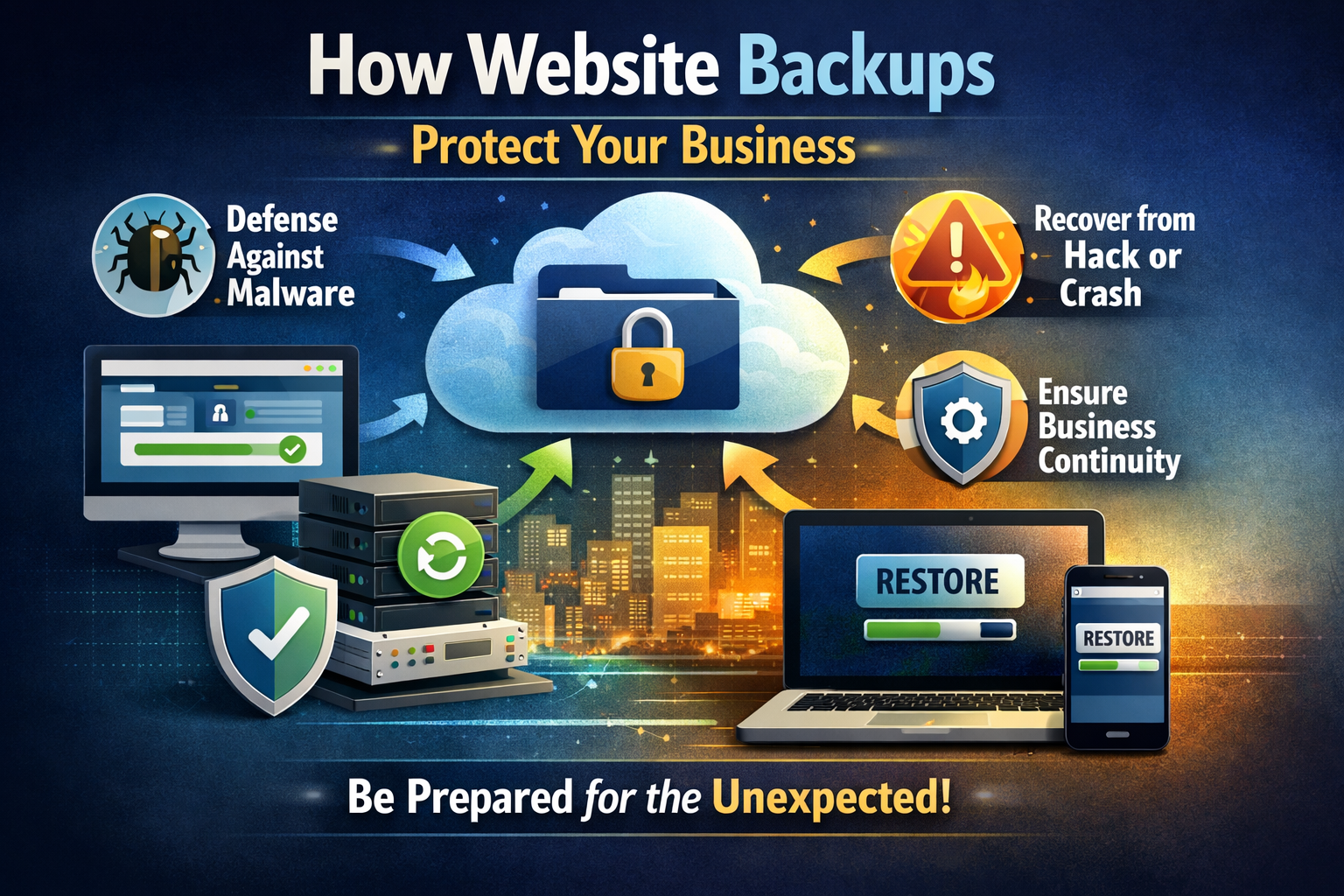
Regularly Back Up the Website
A backup that is old or incomplete is of little use.
Back up:
- Website files
- Databases
- Product and customer data
- Media libraries
- Configuration files
- DNS and domain settings where possible
- Important email or transaction records
Keep at least two copies and make sure at least one is off-site and outside the hosting account. Assume that an attacker will delete backups if they gain access to the hosting account.
Restore backups regularly to ensure they are usable. An untested backup is an assumption, not a recovery plan. Understand why website backups are essential for your business.
Monitor and Scan for Unusual Activity
Security scanning detects known malicious software, along with outdated software, plugins, and other suspicious changes.
Common site security tools include:
- Wordfence for firewall and malware scanning
- Sucuri for security, scanning and monitoring
- SiteLock for site scanning and threat monitoring
- OpenVAS for vulnerability assessment
- Detectify for automated testing of web application security
- Server and hosting logs for investigating suspicious behaviour
Choose scanners that are appropriate for your site. Automated scans may falsely report issues and miss dangerous business-logic flaws. Serious websites should also undergo penetration tests or manual assessments.
Monitor for:
- Creation of new administrator accounts
- Multiple failed login attempts
- Unprovoked password resets
- Changes to DNS records
- Changes to files
- New redirects
- Sudden increases in traffic
- Suspicious email
- Search-engine warnings or browser blocklists
Safeguard Payment and Customer Data
If your site captures, processes, or sends payment information, PCI DSS mandates strict security requirements for all payment card data, covering configuration, vulnerabilities, access, monitoring, and safeguards.
Steps in meeting this mandate can include:
- Choosing a reputable payment gateway
- Avoiding storage of payment details unless there’s a legitimate need, and ensuring any stored data is securely protected
- Sending and receiving payment information using a strong encryption framework
- Keeping payment software updated
- Narrowly restricting access to payment systems
- Maintaining payment logs and reviewing suspicious activity
- Testing and scanning payment pages regularly
- Keeping an up-to-date record of third-party payment page frameworks
Choosing a hosted or tokenized payment system means less card data passes through your website, but you still need to protect your systems and understand your compliance obligations.
Create an Incident-Response Plan
Maintained websites can still be breached. Prepare instructions your team can follow.
A basic response plan must include measures to:
- Document the details of the incident
- Limit or isolate impacted accounts or systems
- Preserve logs and evidence prior to significant system or software changes
- Notify your hosting provider, security consultant, or developer
- Rotate API keys, admin accounts, hosting, database, FTP, and SSH credentials
- Identify and remove the entry point and any persistence mechanisms
- Restore from a known clean backup
- Fix the underlying issue before resuming normal activities
- Review Google Search Console, analytics, email systems, and payment platforms
- Notify affected users or authorities if legally required
Never presume that reinstalling a plugin or deleting a single suspicious file will resolve the issue. Attackers often create additional accounts, scheduled tasks, or hidden backdoors.
Website Security Checklist
- Ensure that software and add-ons are up to date
- Remove unused accounts and add-ons
- Use strong, unique passwords and enable 2FA
- Require unique logins and assigned permissions for each account
- Enable HTTPS and use a valid certificate
- Configure a WAF and login protection
- Secure file uploads and disable script execution in upload folders
- Remove unneeded services and disable directory listing and uploads
- Use secure hosting with isolated accounts
- Create and maintain separate backups
- Regularly check for malware and vulnerabilities
- Monitor access and changes to files, and log activity
- Protect your payment and customer data
- Create an incident-response and recovery plan
FAQs
How do hackers attack websites?
Attacks are almost always the result of a known vulnerability in outdated or weak software, a poorly secured hosting account, weak passwords, or vulnerable plugins. Attackers typically gain access through the same unpatched weak spot as everyone else.
Can small websites get hacked?
Smaller websites are actually easier targets, since limited resources often result in weaker security. Automated bots don’t distinguish between small and large business sites — they simply scan for vulnerabilities.
How do I protect a WordPress site specifically?
Maintain regular updates of the core install, themes, and plugins, use secure password practices, restrict file permissions, and add Wordfence or Sucuri as a security plugin of your choice.
What should I do if my website gets hacked?
Close the affected account(s), log the details, change account passwords, locate the point of entry, restore from a trustworthy and clean backup, fix the security vulnerability, review the access records, and resume normal business activity for the website.
Is website security a one-time task?
No. Securing a website is a continuous process of keeping the software and services updated and monitored, in addition to regularly testing for security vulnerabilities and weaknesses. Website security should be prioritized on par with system and software updates.
The Bottom Line
Website security is strongest when it is treated as routine maintenance rather than an emergency repair. Updates, two-factor authentication, backups, HTTPS, and restricted site access should be the starting point. You can then introduce WAF protection, site monitoring, and a regular security testing routine as website activity, data, and business value increase.
WebGX offers website security protection if you do not wish to manage website security yourself.