In today’s digitally connected world, customers usually first interact with a business’s website. However, sometimes, a website is not easily usable by everyone. Here comes a very significant aspect referred to as website accessibility.
Website accessibility means making sure everyone, including people with any kind of disability (visual, auditory, cognitive, or motor) can use a website easily. Some countries have now a requirement to make websites belonging to the government, healthcare or services related to be accessible for all. Moreover, it helps you reach more people online!
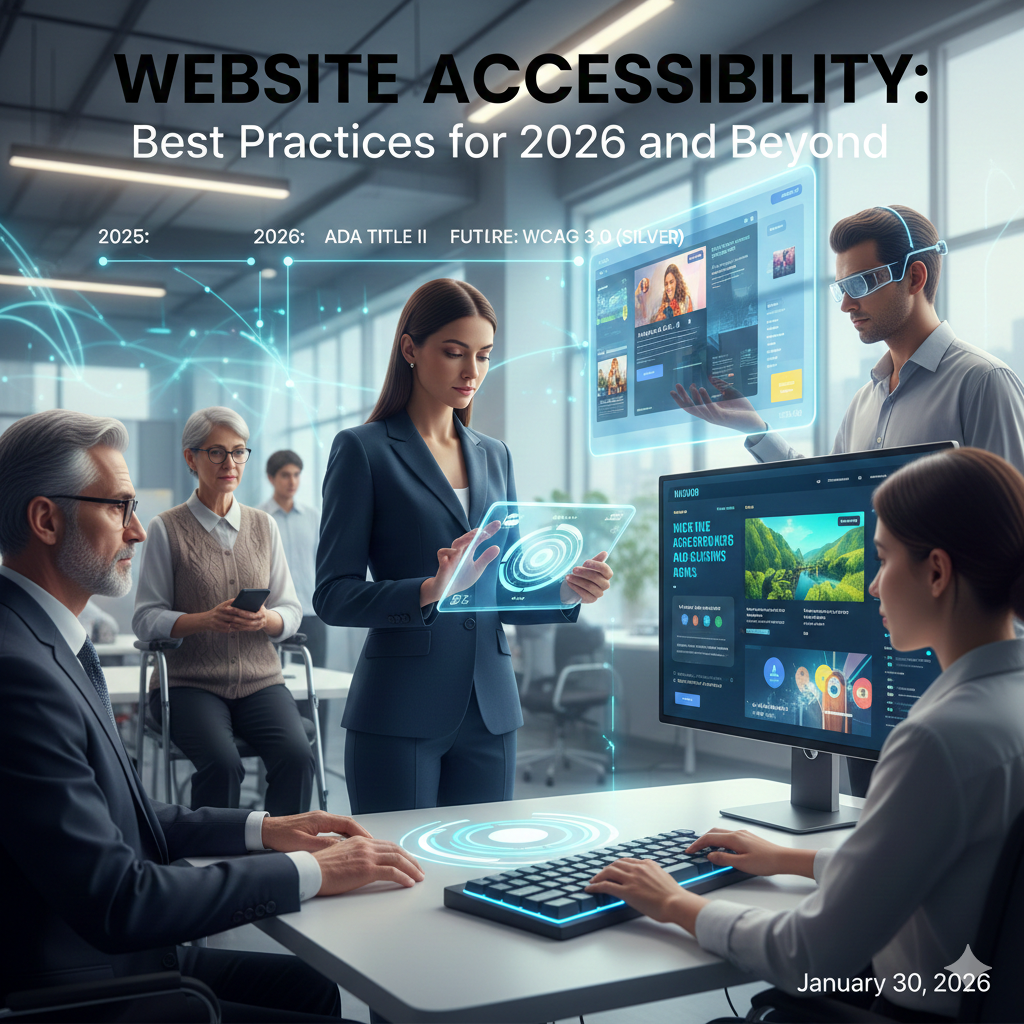
Now that we are in 2026, we must follow website accessibility best practices 2025 and beyond. Making a website accessible for everyone is a great investment of a business as it helps to improve user experience and overall SEO. It also secures brand trust. In this blog, we’ll explore how companies are making websites work for everyone. We will also look at real examples, simple tips, and new ideas to help businesses create websites that are easy for all to use.
Why Accessibility Matters
Legal Compliance
Accessibility laws are now widely accepted. Crucial samples include
- ADA (Americans with Disabilities Act) in the US
- EAA (European Accessibility Act) in Europe
- WCAG (Web Content Accessibility Guidelines) internationally
Non-compliance to the accessibility standards can result in legal issues in most countries. It may also harm a company’s reputation, especially in the case of healthcare and homecare websites. Following accessibility standards shows a business is committed to corporate responsibility and is a must nowadays.
Ethical Responsibility
Accessibility is about equality. Accessibility means everyone can access online information and services. Businesses that care about accessibility show they care about being fair and responsible.
Business & SEO Benefits
Accessible websites also offer measurable advantages:
- Enhanced user experience
- Higher search engine rankings
- Broader audience reach
- Increased customer trust
So basically, making a website accessible is a smart business move to help your business grow at a fast pace.
Core Accessibility Guidelines
The Web Content Accessibility Guidelines (WCAG) are built mainly on the following four principles:
- Perceivable – The website content must be available in all of the different ways in which the users perceive information
- Operable – If users are using a mouse, keyboard, or any other assistive devices, they must be able to navigate easily
- Understandable – Content should be clear and predictable
- Robust – Websites must function across current and future assistive technologies
These principles combine to form the foundation of accessible website design best practices.
Key Accessibility Best Practices
1. Descriptive Alt Text for Images
You must provide meaningful descriptions of all the images. This helps the screen reader feature to describe image to the visually impaired users. You can add keywords in such descriptions that enhance SEO.
Example: Instead of the title image1.jpg, you should use description like: “Caregiver assisting elderly patient with medication.”
2. Proper Color Contrast
Using low contrast in the website user interface can make text unreadable to some users.
For better color contrast, you should be using the following best practices:
- For normal text in the content, you should use the minimum contrast ratio of 4.5:1
- Avoid using color as the only methods to highlight important information
- Some tools like WebAIM Contrast Checker also help to ensure compliance
3. Keyboard-Friendly Navigation
Ensure full navigation via keyboard, critical for users with motor disabilities. Include:
- Menu interaction
- Forms and modals
- Sliders and dropdowns
These align with best practices for accessible website navigation.
4. Semantic HTML & Structure
Use semantic elements like <header>, <nav>, <main>, and <footer>. You should also maintain a proper heading hierarchy (<h1> to <h6>) and must use <label> for forms. It helps people with disabilities and improves website search ranking.
5. Accessible Forms
Forms should be simple and clearly labeled:
- Include instructions and readable error messages
- Avoid relying solely on color to indicate errors
- Ensure forms work with keyboard navigation
6. JavaScript Accessibility
Dynamic websites must remain accessible:
- Preserve keyboard navigation
- Use ARIA labels for dynamic elements
- Make modals, sliders, and dropdowns screen reader compatible
This follows best practices for accessible JavaScript websites.
7. Accessible Sliders & Carousels
Sliders can create accessibility barriers. Recommended practices:
- Provide pause/play controls
- Allow keyboard navigation
- Avoid auto-rotation without user consent
These steps follow best practices for accessible website sliders.
Designing for Different Needs
ADHD Accessibility
Users with ADHD may struggle with focus and distraction. Solutions include:
- Clean layouts
- Limited animations
- Clear headings and short paragraphs
This aligns with best practices for accessible websites: ADHD.
Motor Disabilities
Users with motor impairments may rely on alternative input methods. Consider:
- Large, spaced clickable buttons
- Avoid time-sensitive actions
- Full keyboard compatibility
Visual & Hearing Impairments
- Provide captions and transcripts for videos
- Ensure text resizing and high contrast
- Screen reader compatibility for all content
Accessibility for Healthcare & Home Care Websites
For healthcare platforms, accessibility is critical. Key strategies include:
- Simplified navigation
- Voice command support
- Clear service descriptions
- Easy-to-use appointment scheduling
Some organizations like NHS UK also show that accessibility makes websites easier to use and builds trust.
Steps to Make Your Website Accessible
- Conduct an accessibility audit (Lighthouse, WAVE, Axe)
- Correct semantic structure and headings
- Add alt text for images
- Improve color contrast
- Test full keyboard navigation
- Use screen readers for testing
- Adjust forms, sliders, and dynamic content
- Align with WCAG 2.2
- Train teams on accessibility
- Incorporate accessibility in routine QA
Future of Web Accessibility (2026 & Beyond)
Emerging trends will shape the next generation of accessible websites:
- Voice navigation: Facilitates hands-free interaction for motor-disabled and elderly users
- AI-powered tools: Automatic alt text, real-time contrast adjustments, simplified layouts
- Personalized accessibility: Websites will adapt to individual user preferences
These innovations make accessibility proactive, not reactive.
Why Digital Marketing Teams Should Prioritize Accessibility
It is recommended to the website’s marketing team to prioritize accessibility because it helps to improve SEO, user engagement and conversion rate. Marketing teams must implement accessible website design best practices to have an edge over the competitors. It further helps to strengthen the brand’s credibility.
Conclusion
Website accessibility helps to create a user-friendly and inclusive website. An accessible website is good at attracting a large number of audience. Furthermore, it helps people with disabilities to interact with and use a website well. Hence, it is highly recommended to the developers to must follow best practices for accessible websites as it is a legal requirement of website in many countries.
Websites belonging to the healthcare or homecare domain should have critical or service-related information available to all users. As we move into 2026, implementing these practices helps businesses secure trust from a wide range of audience from normal users to people with disabilities. It further contributes to a business’ long-term digital success.
FAQs
1. What is website accessibility?
Website accessibility is a feature in website that lets disable people navigate a website easily. In this way, users having any visual or cognitive disability can also use website alongwith normal users.
2. Is accessibility legally required?
Yes, in many countries now accessibility is a legal requirement for websites particularly belonging to healthcare, public services and government domain.
3. Which standard should be followed?
A standard which is widely recognized and is followed is WCAG 2.1 or 2.2
4. Does accessibility improve SEO?
Yes, accessible websites are more readable by search engines and perform better in rankings.
5. Are JavaScript websites more challenging?
They can be, but following best practices for accessible JavaScript websites ensures usability for all.
.